SOTsync Pro Accounting Integration
Connect payments directly with Xero, QuickBooks, and Sage.
SOTsync Pro automates reconciliation, tracks payments in real time, and streamlines financial workflows.

SOTsync Pro integrates SOTpay with leading accounting platforms including Xero, QuickBooks, and Sage. Payments collected through SOTpay are automatically matched to invoices, reducing manual reconciliation and improving financial accuracy.
This creates a seamless connection between payment collection and accounting workflows.
Invoice created in accounting system
Payment request generated via SOTpay
Customer completes payment securely
Payment synced to invoice automatically
Accounting records updated in real time
Reconciliation completed automatically
Automated payment reconciliation
Real-time payment tracking
Reduce manual accounting work
Improve cash flow visibility
Seamless accounting integration
Invoice-linked payment requests
Maintain PCI compliant payment handling
Accurate financial reporting
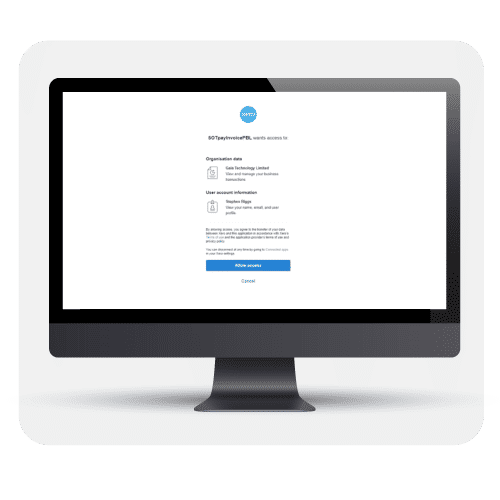
Manual reconciliation is time-consuming and prone to errors. SOTsync Pro automates the process, ensuring payments are tracked, matched, and recorded accurately.
SOTsync Pro connects payment requests directly to invoices. Customers receive secure payment links, and once payment is completed, accounting records update automatically.
This removes manual matching and reduces administrative workload.
See how SOTsync Pro automates reconciliation and improves cash flow visibility, by requesting a no obligation demonstration by our team now.
Discover a Wealth of Knowledge: Complete the Form for Your Free Brochure Download
PLEASE NOTE: For Merchant Support click here


 14143683
Articles | Support | PCI-DSS | Chargebacks | Advice | Payment Solutions | Switch To SOTpay | Jobs


