Multi-Channel Payments
Accept secure payments across multiple channels including phone, SMS, email, chat, QR, and social platforms.
SOTpay multi-channel payments allow businesses to request payments wherever customers are.

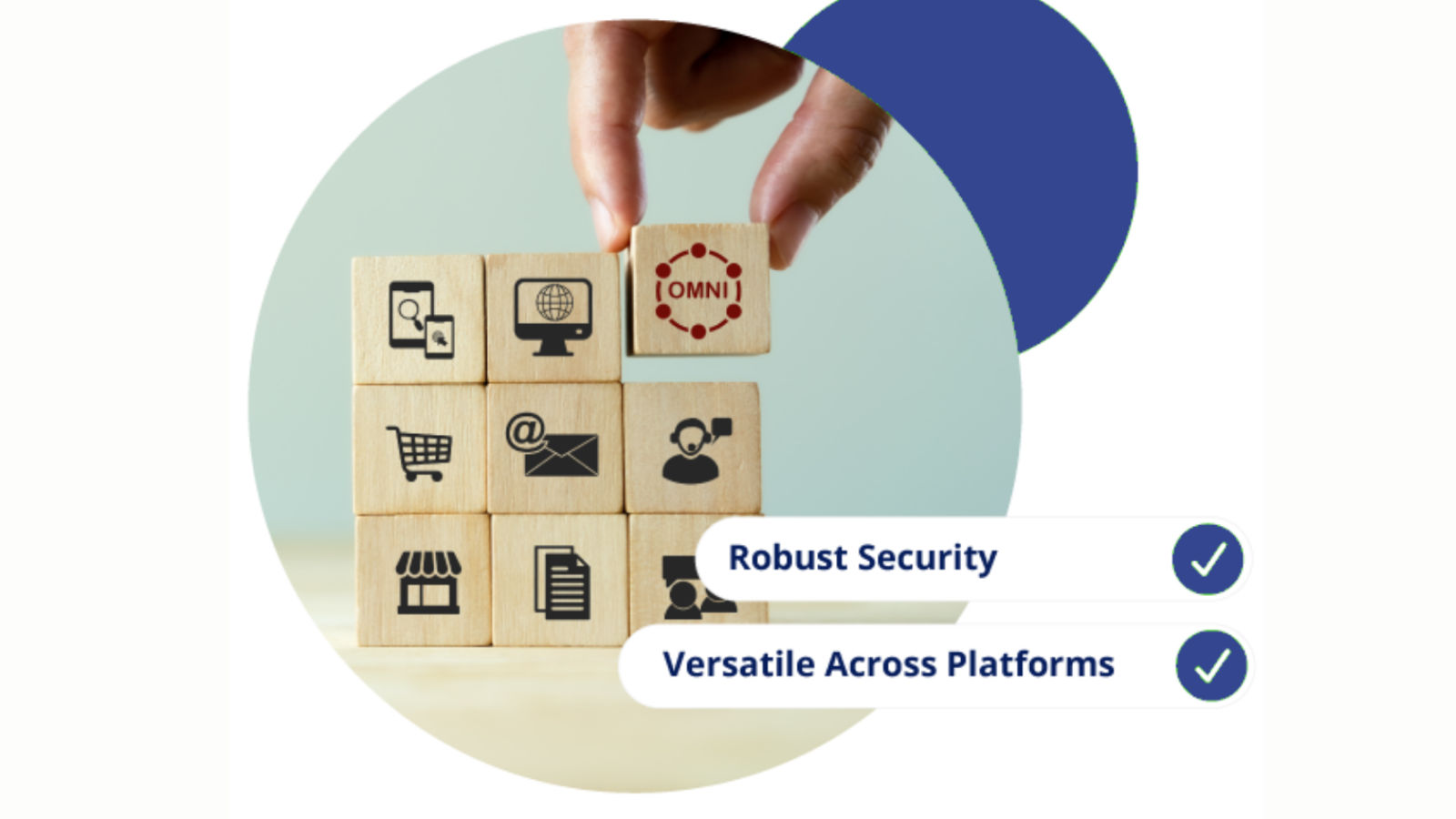
OmniPay enables businesses to manage payment requests across multiple communication channels from a single platform. Payments can be triggered via phone, SMS, email, chat, or social messaging while maintaining consistent security and reporting.
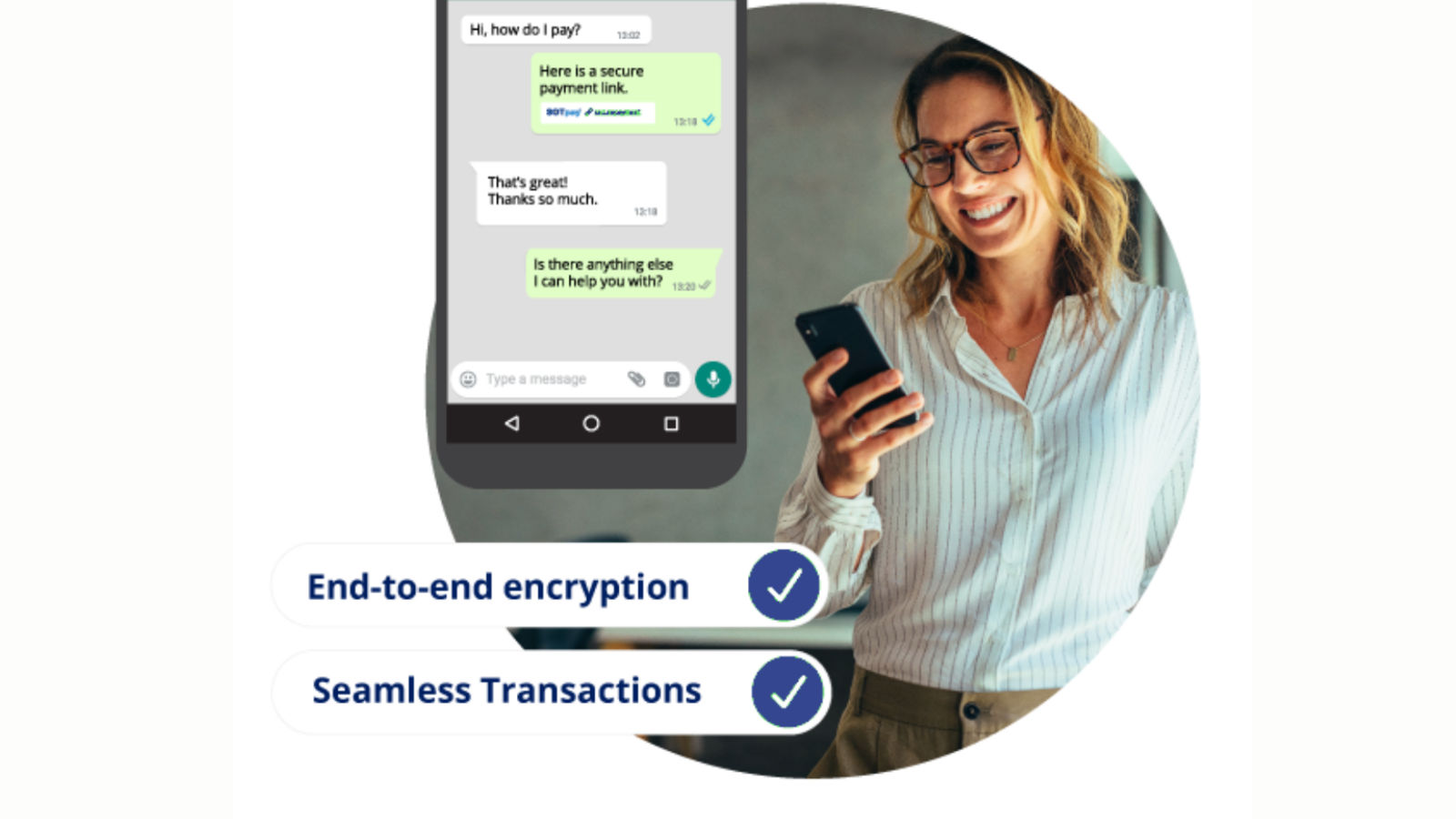
ChatPay Secure allows businesses to send secure payment links directly within WhatsApp conversations. Customers are able to complete transactions without leaving the chat, improving response times and payment success.
ChatCheckout integrates secure payment requests into live chat environments. Agents can send payment links during conversations, allowing customers to complete transactions instantly.
SocialStream Checkout enables businesses to request payments directly through social media platforms. Customers can complete secure transactions without switching channels.
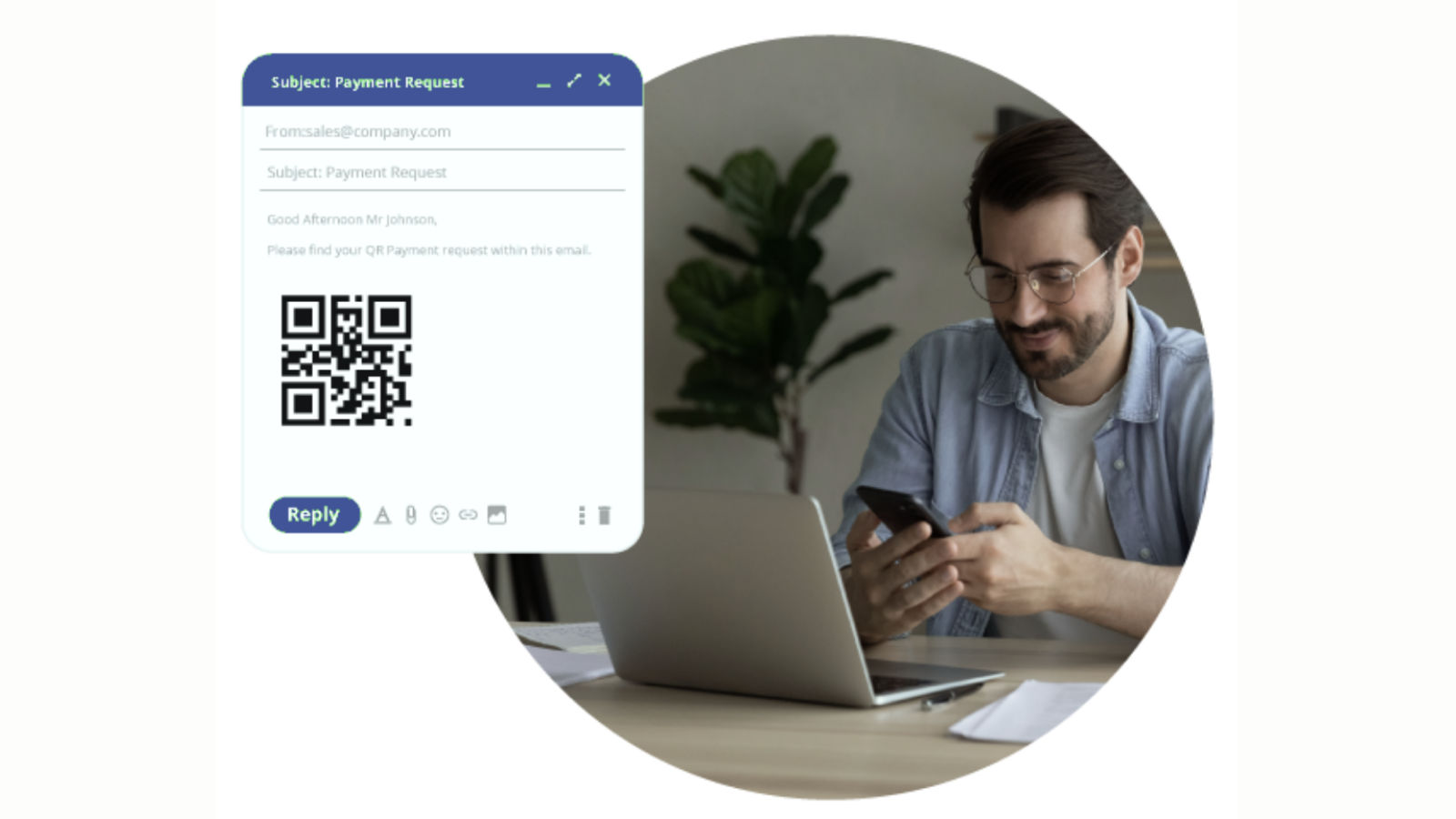
PayGate QR Checkout allows customers to scan a QR code and complete payments instantly. This supports self-service environments and quick payment scenarios.
DirectPay enables businesses to generate secure payment requests and deliver them across multiple channels including SMS, email, and messaging platforms.
Customers expect to pay using their preferred communication channel. Multi-channel payments allow businesses to request payments across phone, messaging, email, chat, and social platforms while maintaining consistent security and compliance.
This flexibility improves payment success rates and reduces friction in remote payment scenarios.
See how SOTpay multi-channel payments help businesses collect payments wherever customers are.
Discover a Wealth of Knowledge: Complete the Form for Your Free Brochure Download
PLEASE NOTE: For Merchant Support click here


 14143683
Articles | Support | PCI-DSS | Chargebacks | Advice | Payment Solutions | Switch To SOTpay | Jobs


